How to Add Products to Google Business Profile Easily
In today’s competitive market, a well-optimized Google Business Profile (GBP) can be your secret weapon. Whether you run a boutique store or offer specialized services, displaying your offerings directly in local search results helps attract nearby customers. This guide simplifies the process of highlighting your inventory or services through a step-by-step approach, ensuring your business stands out.
Studies show businesses with detailed GBP product listings receive up to 35% more website clicks. Why? Shoppers often search for items like “coffee shops near me” or “hardware store inventory” on Google Maps. By showcasing your products or services, you turn casual searches into foot traffic.
Retailers aren’t the only ones who benefit. Service providers can list packages, pricing, and unique features. For example, a salon might highlight seasonal promotions, while a contractor could display common project estimates. Clear descriptions and crisp images build trust before customers even visit.
Key Takeaways
- Displaying products on GBP increases local search visibility by up to 70%.
- Both retail stores and service-based businesses gain from this feature.
- High-quality photos and keyword-rich descriptions improve engagement.
- Regular updates keep listings fresh and relevant for potential customers.
- Google Insights helps track listing performance for ongoing optimization.
Introduction
A well-crafted online profile can make or break a local business’s visibility. Over 87% of shoppers use Google Maps to find nearby stores, making your digital storefront a critical touchpoint. Let’s explore how optimizing this tool drives real-world results.
Understanding Google Business Profile
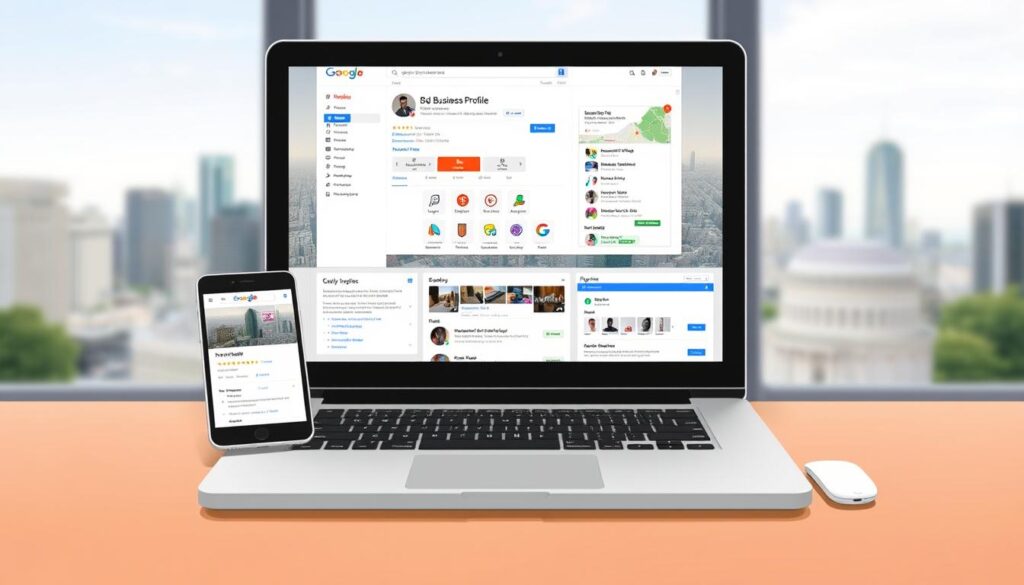
Formerly known as Google My Business, the Google Business Profile acts as a 24/7 digital showroom. It displays essential details like operating hours, contact information, and customer reviews directly in search results. Local businesses using this tool see 2x more website visits than those without optimized profiles.
“Businesses with complete GBP information are 70% more likely to attract location-based visits.”
| Feature | GBP Listings | Basic Listings |
|---|---|---|
| Product Display | Full Catalog | Limited |
| Customer Actions | Direct Purchases | Phone Calls Only |
| SEO Impact | High | Low |
The Importance of Showcasing Products
Displaying your inventory bridges the gap between online searches and in-store visits. Shoppers spend 50% more time on profiles with detailed product listings compared to text-only entries. Clear pricing and specifications reduce decision fatigue, turning browsers into buyers.
Service businesses benefit equally. A landscaper listing seasonal packages or a bakery highlighting daily specials creates immediate visual appeal. This strategy works because 68% of users won’t consider businesses with incomplete online information.
Benefits of Adding Products to Google Business Profile
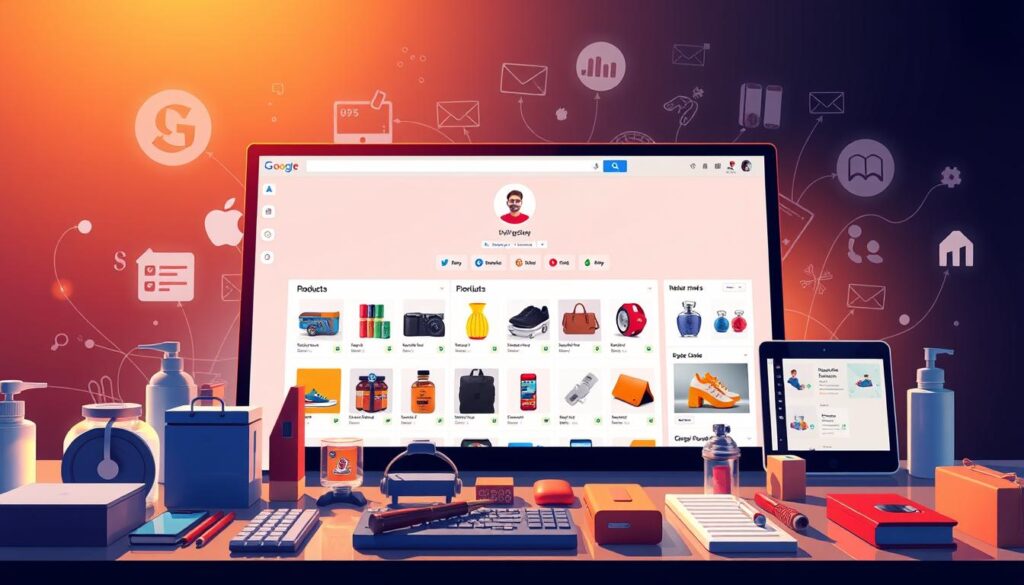
Showcasing your offerings through a Google Business Profile unlocks powerful advantages for local reach. Businesses that leverage this tool effectively see measurable improvements in discovery and sales conversions.
Boosting Local Visibility and Engagement
Detailed product listings act as magnets in local search results. A florist listing seasonal bouquets with prices and high-resolution images appears 40% more often for “flower delivery near me” searches. This prominence drives clicks and store visits.
Complete profiles with categories and service areas rank higher on Google Maps. A hardware store highlighting power tools and gardening supplies gains traction from DIY enthusiasts. Clear descriptions reduce customer hesitation, while reviews build credibility.
| Feature | Optimized GBP | Basic Profile |
|---|---|---|
| Local Search Ranking | Top 3 Results | Page 2+ |
| Customer Interaction | Messages + Clicks | Phone Calls Only |
| Monthly Impressions | 1,200+ | 300 |
Free Advertising and Increased Foot Traffic
Your business profile doubles as a zero-cost marketing channel. A bakery displaying daily specials saw a 25% rise in afternoon visitors. Customers often explore listings during lunch breaks or weekend planning.
Regular updates keep content fresh. A bike shop adding summer helmets and repair packages maintains relevance. Google’s algorithm favors active profiles, creating a cycle of increased exposure.
Trust grows when shoppers see accurate pricing and crisp photos upfront. Service providers like electricians listing emergency rates experience higher inquiry-to-booking conversions. This transparency builds loyalty before the first interaction.
How to add products to google business profile: A Step-by-Step Guide
Streamlining your digital storefront starts with accurate product displays. Follow this straightforward process to showcase your inventory effectively and attract nearby shoppers.
Signing into the Google Business Profile
Begin by logging into your Google account linked to your business profile. Navigate to the Google Business Profile Manager dashboard. Search for your company name in the dropdown menu to access the correct listing.
Manually Adding and Editing Product Information
- Click the “Products” tab in your dashboard.
- Select “Add Product” to open the editor.
- Fill in fields like item name, price, and description. Use keywords like “organic skincare” or “handcrafted furniture” for better SEO.
- Upload high-resolution images (1200×900 pixels recommended).
- Submit for review. Updates typically go live within 15 minutes.
Maintaining and Updating Listings
Refresh details quarterly or during seasonal changes. Remove discontinued items promptly to avoid confusion. Track performance through the Insights tab to identify popular products.
| Update Type | Frequency | Impact |
|---|---|---|
| Price Changes | Monthly | High |
| Image Updates | Quarterly | Medium |
| Category Expansion | Annually | Low |
Pro Tip: Enable notifications for customer questions. Quick responses boost engagement and trust in your business profile.
Optimizing Your Product Listings for Local SEO
Effective product listings act as digital storefronts for nearby shoppers. To stand out in local searches, combine visual appeal with strategic keyword use. This approach helps customers find your offerings faster while building brand credibility.
Visual Impact Drives Engagement
High-resolution images make listings pop in search results. Photos showing products in use—like a coffee mug on a desk—help shoppers visualize ownership. Use natural lighting and avoid cluttered backgrounds for professional results.
Descriptions should be concise yet informative. Start with primary features, then add unique benefits. For example: “Stainless steel water bottle (20 oz) – Keeps drinks cold for 24 hours, perfect for Phoenix hikes.”
Localized Keywords Attract Nearby Shoppers
Incorporate location-specific terms like “Denver bike repair” or “Miami beach rentals.” These geo-modifiers help your business profile appear in hyperlocal searches. Pair them with service-related keywords for maximum impact.
| Optimization Element | Best Practice | Result |
|---|---|---|
| Images | 1200×900 pixels, JPEG format | +40% click-through rate |
| Descriptions | Under 150 characters | 25% longer engagement |
| Geo-Tags | City + neighborhood | 2x local search visibility |
Regular updates signal freshness to Google’s algorithm. A recent study shows businesses revising listings monthly get 30% more profile views. Track performance through GBP Insights to refine your strategy over time.
Troubleshooting Common Issues and Expert Tips
Even well-managed Google Business Profile listings can face technical hiccups. Understanding these challenges helps maintain your visibility and customer trust.
Resolving Submission and Approval Problems
Missing product displays often stem from unverified profiles or incorrect categories. Confirm your business is listed under “Retail” or “Service Provider” in the dashboard. Unapproved edits? Ensure descriptions avoid promotional language like “best prices guaranteed.”
Common fixes include:
- Re-uploading high-quality images (min. 720px width)
- Adding required fields like pricing and SKU numbers
- Checking for policy violations in product names
Leveraging Google Business Insights
The Insights tab reveals which listings drive clicks and searches. Track metrics like “Product views” and “Direction requests” to spot underperforming items. A café discovered iced drinks received 3x more clicks, prompting a menu redesign.
| Metric | Optimization Action | Result Timeline |
|---|---|---|
| Low Click-Through | Update primary image | 3-7 days |
| High Searches | Expand keyword use | 2 weeks |
| Zero Conversions | Clarify pricing | Immediate |
Regularly optimize your profile using this data. Businesses revising listings weekly see 50% faster issue resolution. Set monthly reminders to review performance trends and adjust strategies.
Conclusion
Maximizing your digital footprint starts with a polished Google Business Profile. Retailers and service providers alike gain competitive advantages by showcasing their offerings directly in local search results. Detailed product listings act as virtual sales assistants, guiding potential buyers from discovery to purchase.
The process is straightforward: log into your profile, upload crisp images, and craft keyword-rich descriptions. Regular updates ensure seasonal items or service packages remain visible. Businesses maintaining active profiles see measurable boosts in store visits and online inquiries.
High-quality visuals paired with clear pricing build immediate trust. Localized keywords like “Chicago bakery” or “Miami landscaping” help your business profile stand out. Track performance through Google Insights to refine strategies and address issues quickly.
Consistency drives success. Refresh content quarterly, respond to customer questions promptly, and leverage expert optimization tips. Ready to elevate your visibility? Start enhancing your profile today—your next loyal customer could be one click away.
FAQ
Can I add products to my Google Business Profile for free?
How long does it take for products to appear after submission?
What image specifications are required for product photos?
Can I edit or remove products after publishing them?
Do product listings improve local search rankings?
Why aren’t my products showing on Google Maps or Search?
How many products can I showcase on my profile?
About The Author
