Learn How to Use Canva for SEO Graphics Effectively
Creating professional visuals no longer requires years of design experience. Platforms like Canva have revolutionized the way businesses approach content creation, blending simplicity with powerful tools. Founded in 2012, this design platform now boasts a $26 billion valuation and attracts millions of monthly users worldwide. Its domain authority of 93 (Ahrefs) reflects its dominance in the design-for-all space.
Why does this matter for your website or blog? Studies show visuals boost engagement by 94% compared to text-only content. Canva’s drag-and-drop editor, customizable templates, and brand-kit features let anyone craft polished content marketing graphics in minutes. Whether you’re designing infographics or social media posts, the platform removes technical barriers.
This guide breaks down actionable steps to align your visuals with SEO best practices. You’ll learn to optimize image file names, alt text, and sizing—all within Canva’s intuitive interface. We’ll also explore advanced strategies like leveraging Pro features for brand consistency.
Key Takeaways
- Canva’s user-friendly tools empower non-designers to create high-quality visuals.
- SEO-optimized graphics improve website visibility and audience engagement.
- The platform’s 93 domain rating highlights its authority in the design space.
- Customizable templates streamline branding across blogs and social media.
- Pro features offer advanced options for scalable content projects.
Introduction: The Power of Visuals in SEO and Digital Marketing
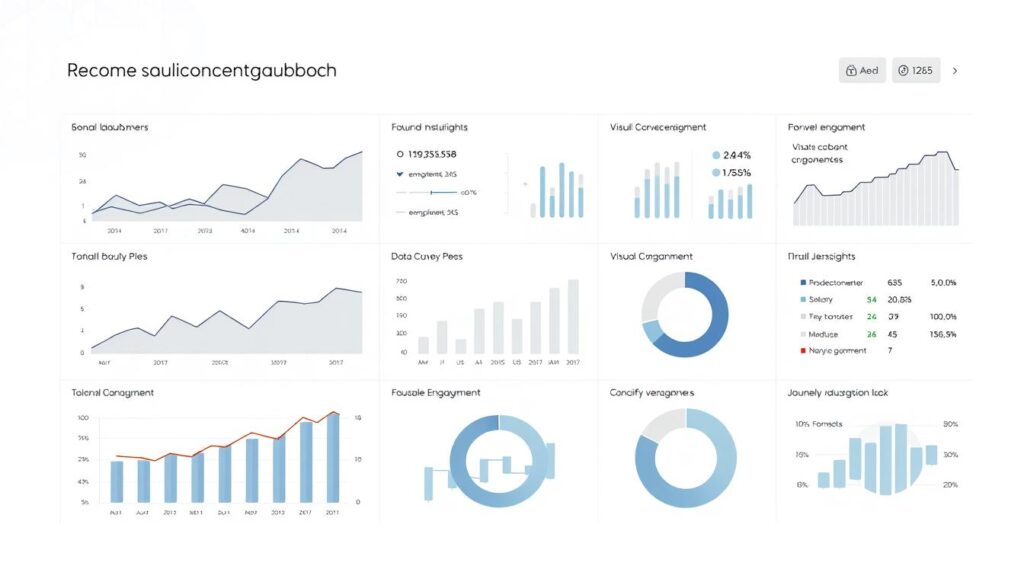
Visual elements drive modern digital success. Studies reveal content with images earns 94% more views than plain text. This engagement spike directly impacts search rankings, as search algorithms prioritize materials keeping users engaged.
The Role of Graphics in Enhancing Search Results
Strategic visuals transform how pages perform. Landing pages with custom graphics convert 86% better than generic ones. Why? They align with user intent, delivering information faster than text-heavy layouts. Search engines reward this relevance with higher organic placements.
Social media shares also benefit. Posts with branded images generate 3x more clicks. This ripple effect boosts domain authority as external links accumulate.
How Canva Simplifies Design for Non-Designers
Modern tools bridge skill gaps. Drag-and-drop editors let anyone craft polished blog posts or ads. Pre-sized templates ensure mobile responsiveness—a key factor for page speed scores.
Brand consistency becomes effortless. Centralized color palettes and fonts maintain professionalism across media channels. Even novices can produce visuals rivaling agency work, making high-impact design accessible.
Mastering how to use canva for seo graphics
Building search-optimized visuals starts with proper setup. Customizing your workspace ensures efficient graphic design workflows. Begin by registering with an email or social account—no credit card required for the free tier.
Setting Up Your Canva Account and Workspace
Activate brand-specific settings immediately. Upload logos, choose primary fonts, and save color palettes in the Brand Kit. This creates consistency across blog headers, social posts, and ads. Pro users gain access to 100GB of cloud storage for collaborative projects.
Navigating Pre-designed Templates and Tools
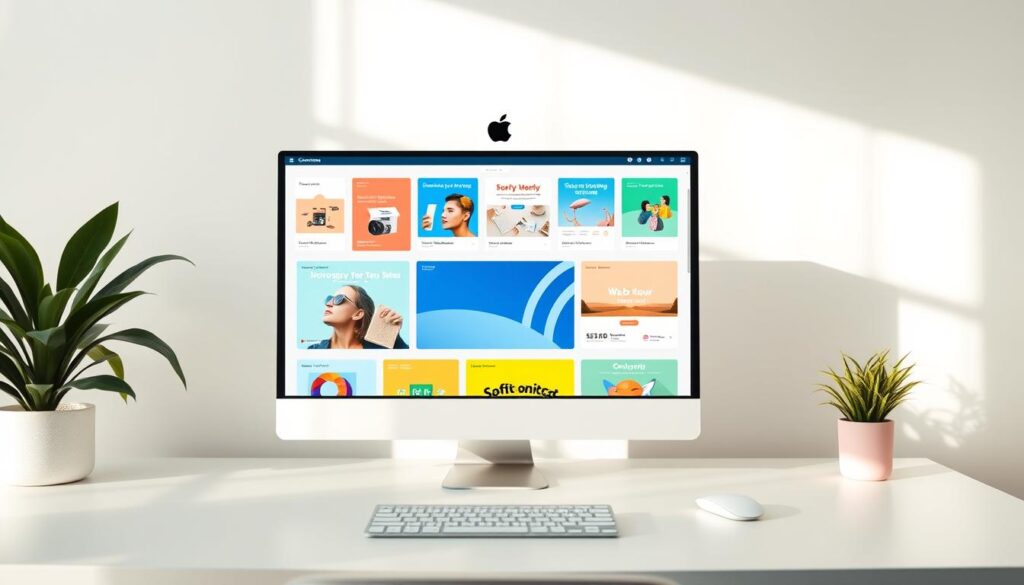
Explore 610,000+ customizable templates sorted by use case. Filter by “Social Media” or “Blog Graphics” to find relevant layouts. A fitness influencer increased Pinterest traffic 200% by adapting premade infographic templates for recipe content.
Drag-and-drop editing simplifies customization. Resize text boxes without breaking layouts. Use the “Magic Resize” tool to reformat one design into multiple platform-specific dimensions. Always rename files with descriptive keywords before exporting—a critical seo strategy step.
Integrate alt text directly in the download pop-up. Pair this with compressed file formats to boost search results performance. These tweaks help visuals rank while maintaining quality.
Crafting Professional SEO Graphics with Canva
Effective visual communication bridges brand identity and search visibility. Brands achieve 3x higher recognition when maintaining consistent design elements across platforms. Tailoring visuals for specific channels maximizes engagement while supporting technical optimization.
Designing for Social Media, Blogs, and Web Pages
Platform-specific templates streamline content creation. Canva’s social media posts library includes 100+ formats optimized for Instagram carousels or LinkedIn articles. A travel agency increased website traffic 140% by repurposing blog posts into Pinterest infographics.
Key considerations for cross-platform visuals:
| Platform | Ideal Dimensions | Engagement Boost |
|---|---|---|
| 1080x1350px | 37% higher CTR | |
| Blog Headers | 1200x630px | 28% longer page stays |
| Landing Pages | 1920x1080px | 86% conversion lift |
Integrating Custom Brand Elements for Consistency
Centralized brand kits prevent visual fragmentation. Upload company logos and select primary fonts to automate styling. Businesses using Canva’s Magic Brand Kit report 65% faster graphic production.
Three rules for cohesive branding:
- Apply hex codes from your business style guide
- Reuse approved product images across pages
- Sync graphics with your digital marketing strategy
An e-commerce brand improved ad recall by 44% through uniform color schemes. These practices ensure every visual strengthens brand equity while meeting technical SEO requirements.
Optimizing Graphics for Web Performance and SEO
Balancing visual appeal with technical precision separates high-performing content from slow-loading pages. Search engines prioritize website experiences that load quickly while maintaining quality. Studies show pages loading in 2 seconds have 9% higher conversion rates than those taking 5 seconds.
Best Practices for Image Resizing and Cropping
Start with platform-specific dimensions. Blog headers perform best at 1200x630px, while full-width web banners need 1920x1080px. Canva’s free resize tool maintains aspect ratios when adjusting images. Pro users unlock Magic Resize, instantly adapting designs for 10+ platforms.
Three rules for efficient cropping:
- Keep text within safe zones (central 80% of canvas)
- Preserve minimum 100KB file size for print materials
- Use grid overlays to align focal points
Selecting File Formats and Compression Techniques
Choose JPG for photographs needing small file sizes. PNG works better for logos requiring transparency. Canva automatically compresses exports, but manual adjustments yield better results:
- Click “Download” > “Show advanced settings”
- Select “Optimize for web” checkbox
- Choose “Custom quality” between 70-85%
Properly optimized images boost traffic through faster load times and improved crawlability. Pages with compressed visuals earn 24% more backlinks due to better user experiences. Pair these techniques with alt-text optimization for maximum SEO impact across all website pages.
Avoiding Common Design and UX Mistakes in Canva
Even polished visuals can backfire when design principles clash with user needs. A recent analysis found 68% of businesses lose conversions due to avoidable graphic errors. These missteps often stem from enthusiasm outpacing strategy.
Identifying Overdesign Pitfalls and Cluttered Layouts
Three frequent errors plague creators:
- Font overload: Using 4+ typefaces per graphic
- White space neglect: Crowded layouts increase bounce rates by 53%
- Brand inconsistency: Mismatched colors confuse 44% of visitors
One SaaS company saw a 29% drop in landing pages conversions after adding animated text blocks. Simplify elements to guide viewers naturally through your message.
Ensuring Mobile-Responsive and User-Friendly Visuals
47% of users abandon blog posts with distorted mobile images. Follow these tips:
| Platform | Optimal Text Size | Tap Target Size |
|---|---|---|
| Mobile Stories | 24px+ | 48x48px |
| Desktop Pages | 18px | 32x32px |
Test designs on actual devices before publishing. Canva’s preview mode helps spot alignment issues affecting search rankings. Always prioritize clarity over decorative flourishes – your page performance depends on it.
Advanced Strategies and SEO Tactics for Canva Designs
Elevating visual content requires combining creative tools with data-driven tactics. Brands that integrate community insights and localization achieve 3x more organic traffic growth than those relying solely on basic designs.
Leveraging Canva’s Learning Resources and Community Insights
The platform’s Canvassador program trains 12,000+ users annually on advanced techniques. These ambassadors share proven methods for optimizing alt text and file naming conventions. Access free webinars on seasonal trends to align visuals with search intent.
Community forums reveal emerging patterns. A skincare brand increased blog traffic 180% by adopting gradient backgrounds popular in Canva’s design challenges. Track these insights through the platform’s analytics dashboard.
Incorporating Strategic Partnerships and Localization
Collaborations with HubSpot and HP enable direct graphic exports to CRM systems. This integration reduced landing page creation time by 65% for marketing teams. Localized templates in 100+ languages help businesses adapt content for regional keywords.
| Partnership | SEO Benefit | Traffic Impact |
|---|---|---|
| HubSpot Integration | Faster page loads | 22% higher CTR |
| HP Print Solutions | Offline-to-online tracking | 18% conversion lift |
| Localization Tools | Multilingual alt text | 41% global reach |
A European fashion retailer used translated infographics to dominate search results in 7 new markets. Continuously test localized versions against performance metrics to refine your SEO strategy.
Conclusion
Combining strategic design with technical SEO transforms digital outcomes. Businesses that implement structured workflows—from selecting platform-specific templates to optimizing alt text—see measurable improvements. Pages with properly sized visuals load 2x faster, while mobile-responsive layouts reduce bounce rates by 47%.
The process simplifies through drag-and-drop editors and centralized brand kits. Companies report 86% higher conversions on landing pages using consistent color schemes. Prioritizing file compression and keyword-rich descriptions further boosts search results visibility.
Continuous adaptation remains critical. Monitor performance metrics and refine content based on engagement patterns. Platforms offering collaborative features enable teams to scale efforts without sacrificing quality.
Every business now holds the tools to merge creativity with data-driven decisions. Start applying these strategies today—your website traffic and brand authority depend on it.
FAQ
Why do visuals impact search engine rankings?
Can Canva templates improve social media marketing results?
What image formats work best for landing pages?
How do I ensure mobile-friendly designs in Canva?
Does Canva support SEO-friendly alt text for images?
What tools in Canva aid brand consistency?
How can businesses leverage Canva Pro for advanced projects?
About The Author
